LINE Enter Details
Enter details
Section titled “Enter details”Enter channel details [View Guide]
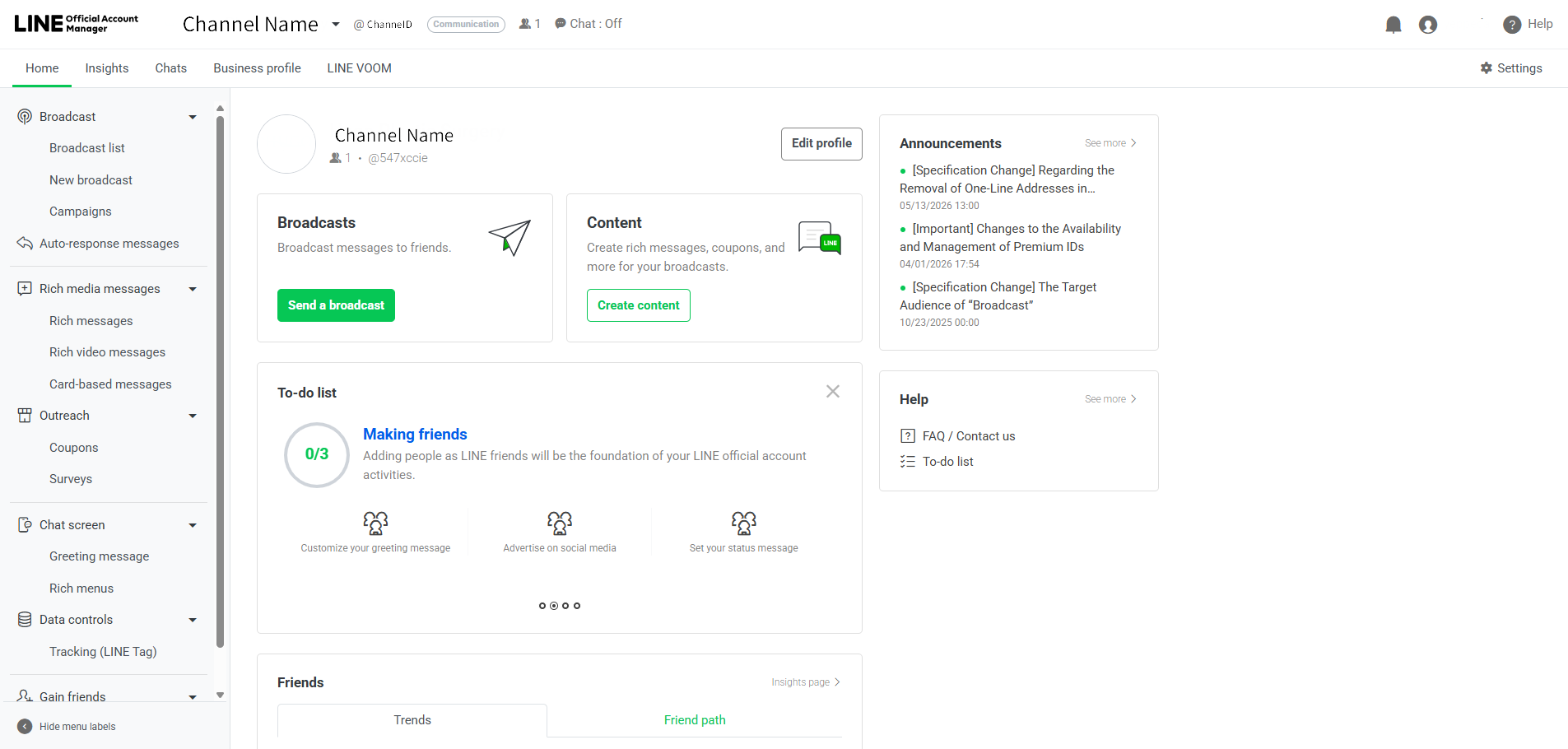
Section titled “Enter channel details [View Guide]”Basic ID
Section titled “Basic ID”- Go to https://manager.line.biz
- Select your account
- Your Basic ID (@xxxxxxxx) is displayed next to your account name at the top
Channel name & Channel ID & Channel Secret:
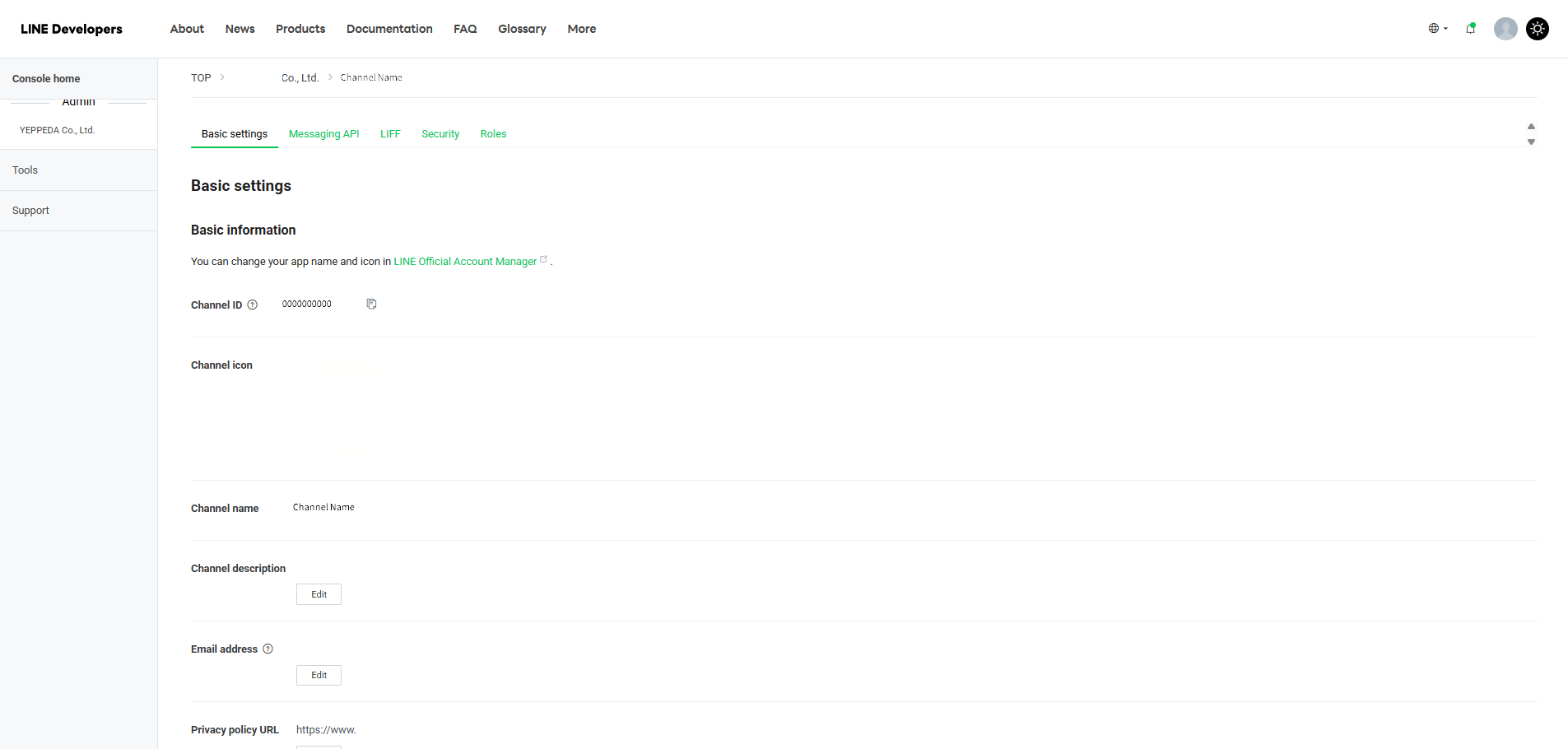
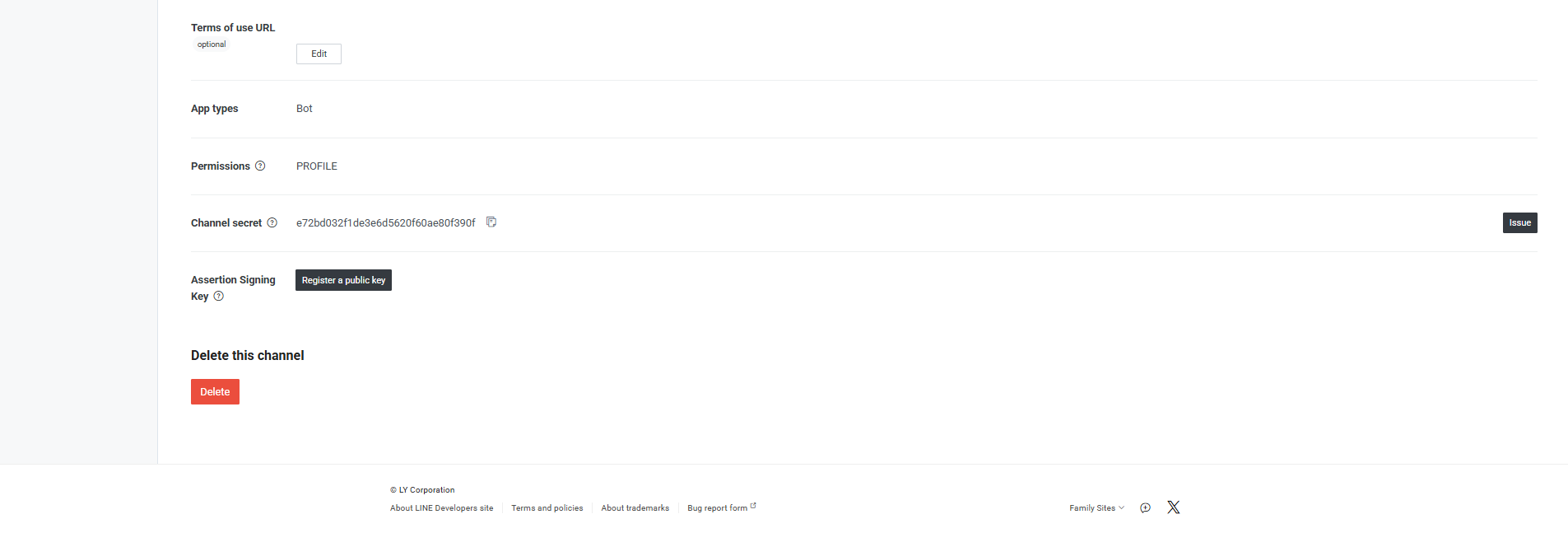
Section titled “Channel name & Channel ID & Channel Secret:”- Go to https://developers.line.biz/console/
- Select your Provider → click your channel
- Find all three values under the Basic settings tab
Or alternatively:
Section titled “Or alternatively:”- Go to https://manager.line.biz
- Select your account → Settings → Messaging API
- Channel ID and Channel Secret are also available here
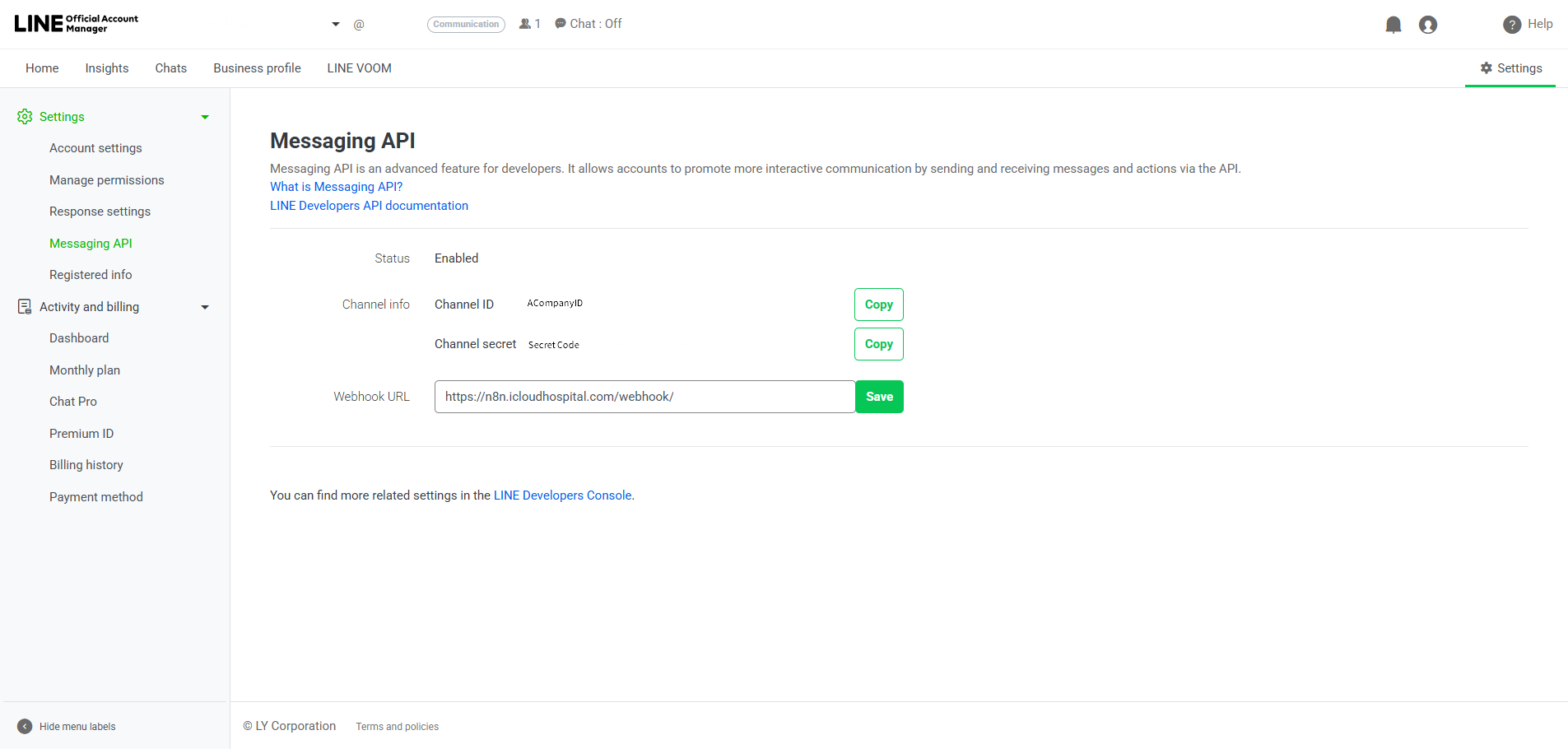
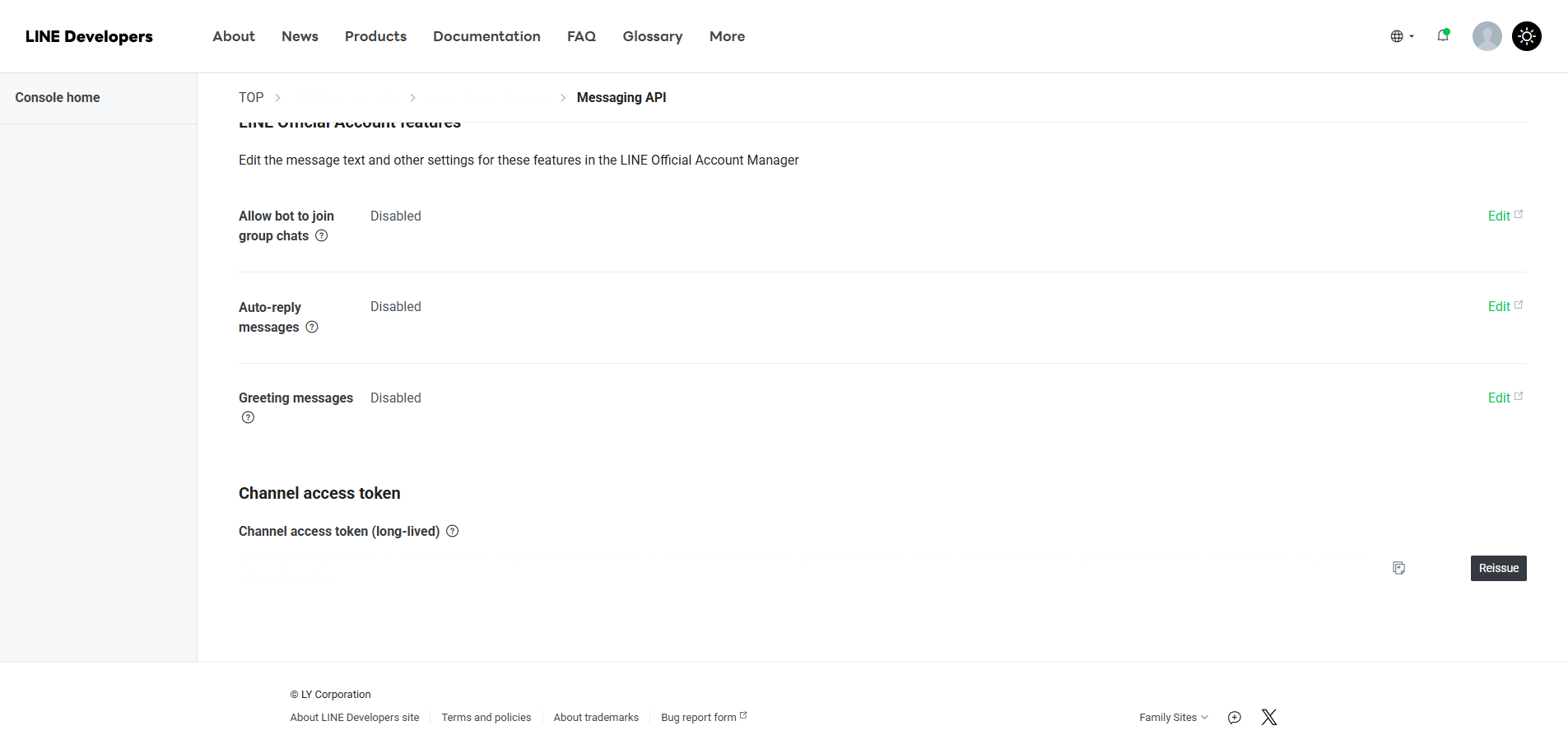
Channel Access Token (long-lived)
Section titled “Channel Access Token (long-lived)”- Go to https://developers.line.biz/console/
- Select your Provider → click your channel
- Go to the Messaging API tab
- Click [Issue] next to Channel access token
- Copy the generated token