

WhatsApp Sync Webhook
WhatsApp Sync Webhook
Section titled “WhatsApp Sync Webhook”WhatsApp onboarding normally configures the webhook connection automatically. Use Sync Webhook only if the automatic setup fails or if you need to reconnect a disconnected webhook.
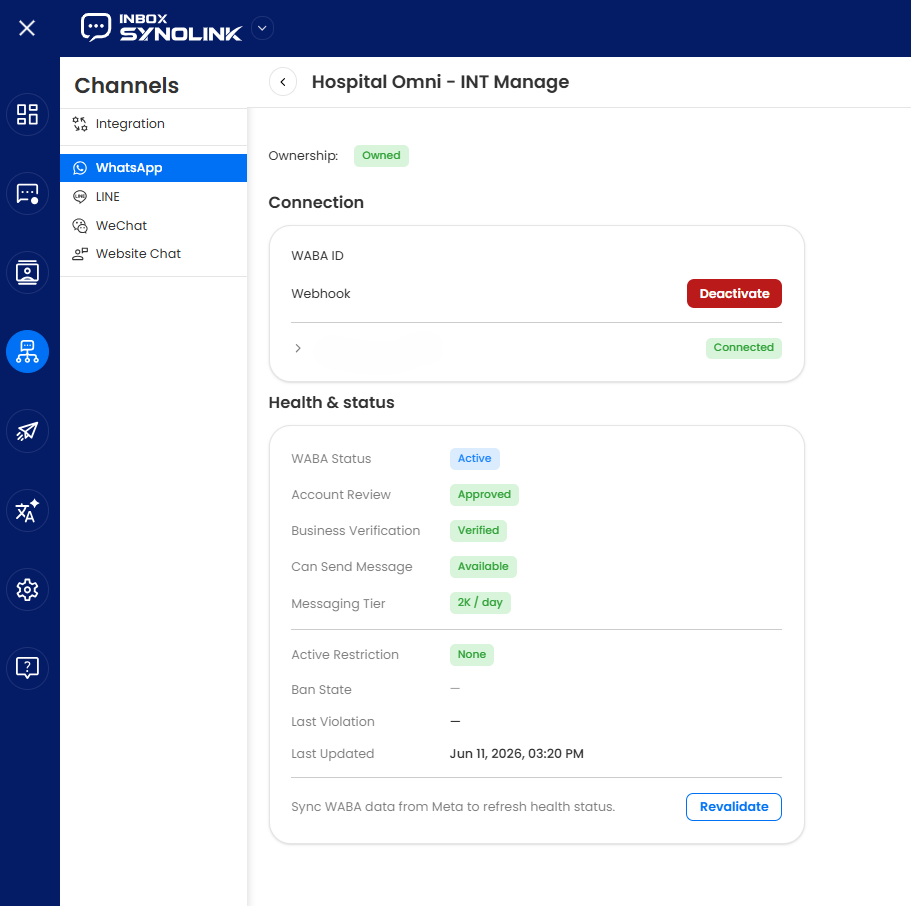
Sync Webhook
Section titled “Sync Webhook”Reconnect Webhook Manually
Section titled “Reconnect Webhook Manually”- Go to the WhatsApp List in SynoLink.
- Find the relevant WhatsApp account and click Manage.
- Click Sync Webhook.
- Wait for the webhook configuration to complete.
- Verify that the Webhook Health status shows Configured ✓.
Once the status is Configured ✓, your WhatsApp Business account is ready to receive messages again.