

WeChat Preparation
Preparation
Section titled “Preparation”Create a WeChat Official Account [View Guide]
Section titled “Create a WeChat Official Account [View Guide]”Before you begin: To use the WeChat integration in SynoLink, you need a verified WeChat Service Account (服务号).
Section titled “Before you begin: To use the WeChat integration in SynoLink, you need a verified WeChat Service Account (服务号).”Overseas businesses, including Korean entities, can create a Service Account without a Chinese entity. Subscription Accounts are only available to businesses incorporated in mainland China.
Service Accounts support chat-style customer notifications, customer-support integrations, and advanced APIs. Select a Service Account for WeChat customer-support integration.
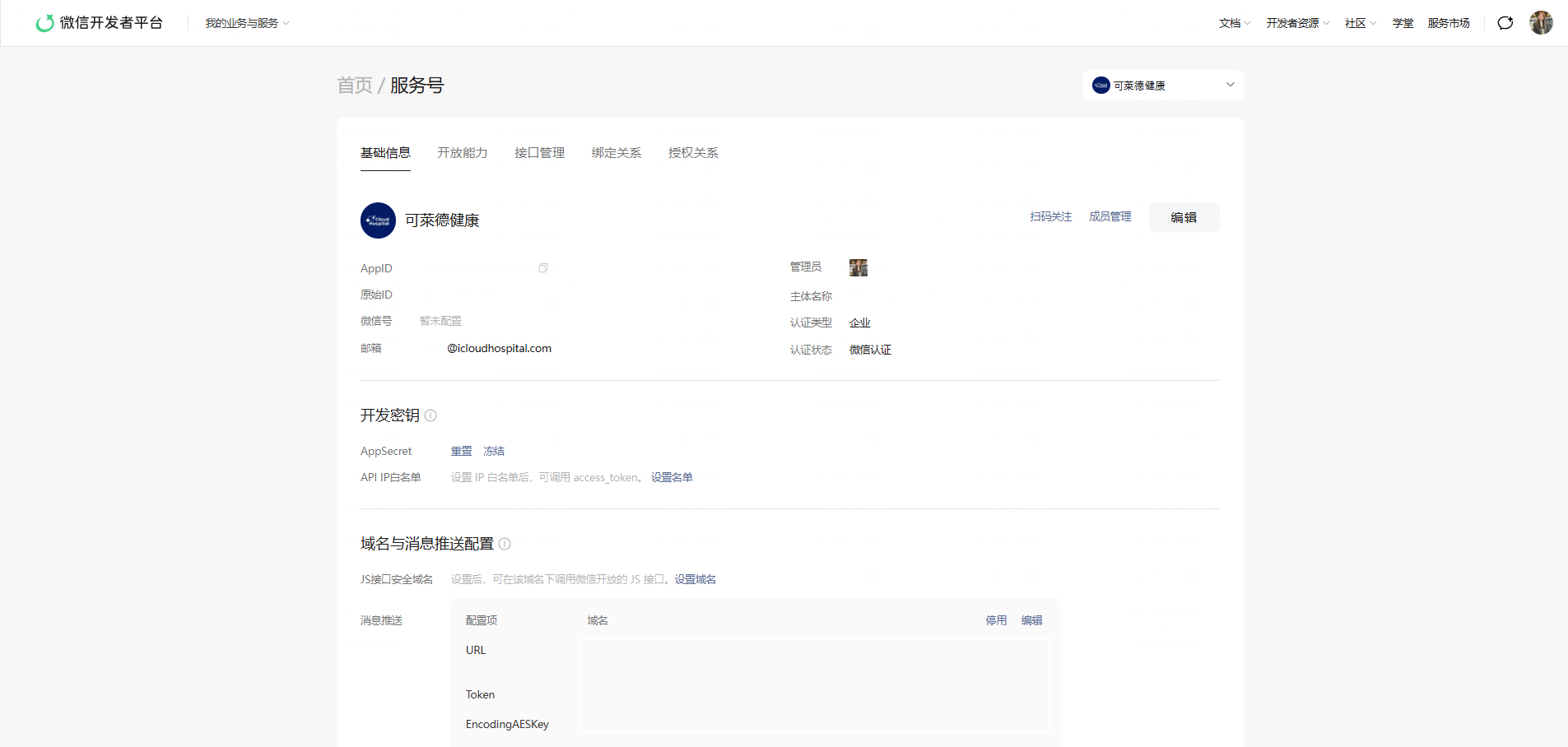
Create a Service Account
Section titled “Create a Service Account”- Go to the WeChat Official Account Platform.
- Click 立即注册 (Register Now).
- Select 服务号 (Service Account).
- Under Country/Region, select Overseas → South Korea.
- Enter your email address and verification code, then create a password.
- Enter your company information and administrator information in English.
- Upload the required documents: an English business registration certificate, administrator ID, company phone number and email address, and the official Verification Letter.
Complete Account Verification
Section titled “Complete Account Verification”- During account creation on the WeChat Official Account Platform, apply for WeChat verification immediately.
- Review your organization information and required supporting documents.
- Pay the annual verification fee shown by WeChat. For overseas businesses, the fee is typically $99 USD.
- Submit your verification application.
You can apply for verification as soon as you create your account. WeChat’s review may take time to complete, and fees and payment methods may vary by country or region.