

WhatsApp Sync Webhook
이 콘텐츠는 아직 번역되지 않았습니다.
Sync Webhook
Section titled “Sync Webhook”Final Step: Configure Webhook Connection
Section titled “Final Step: Configure Webhook Connection”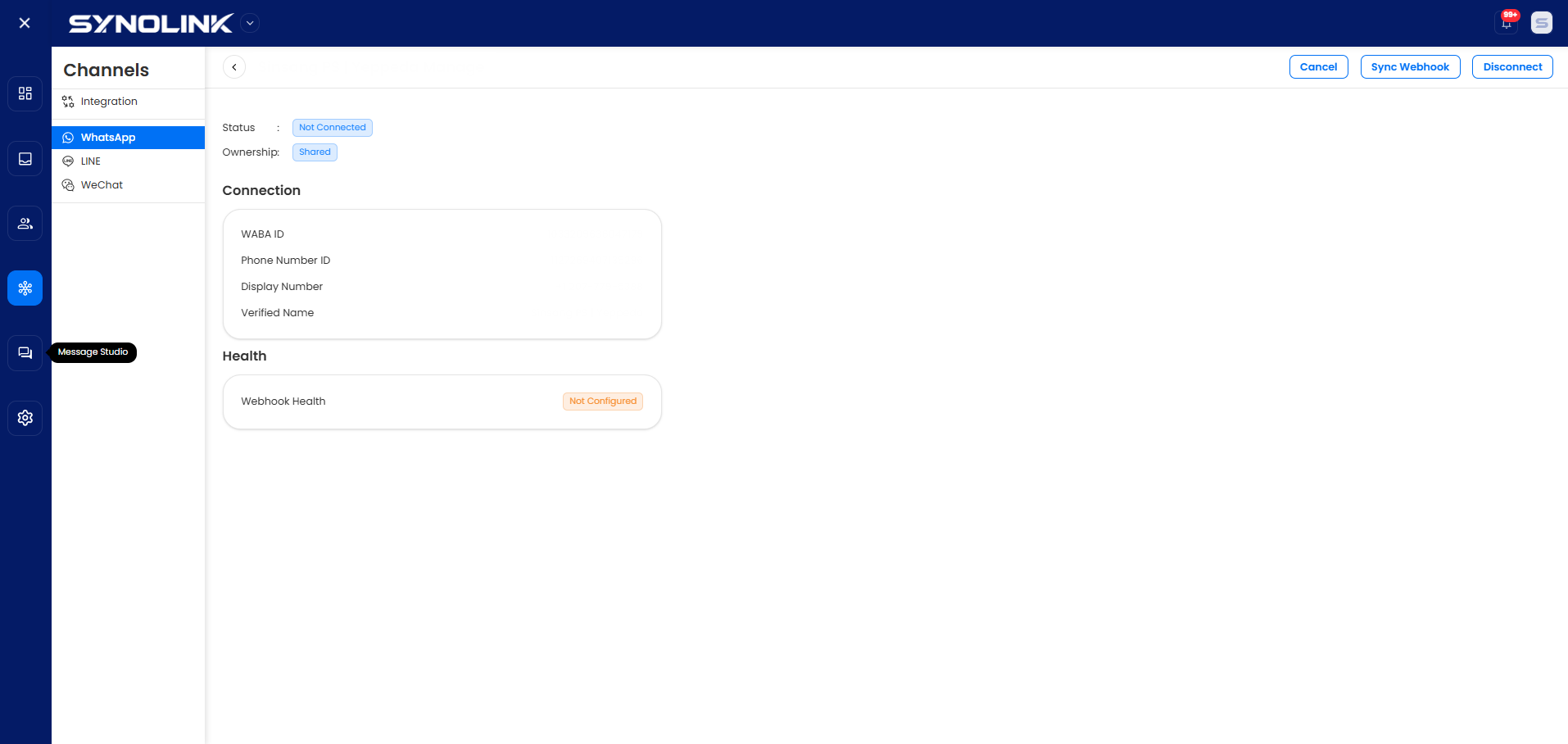
After completing Quick Connect or Advanced Setup, you’ll return to the SynoLink platform.
- Your WhatsApp account will appear in the WhatsApp List
- Click Manage button
- Click Sync Webhook button
- Wait for webhook configuration to complete
- Webhook Health status should show Configured ✓
Congratulations! Your WhatsApp Business account is now fully integrated and ready to receive messages.